Archive for the ‘Best Practices’ Category

Best Practices, AOL, MSN, Yahoo

Monday, January 5th, 2009 by Bill Volz

If you are experiencing email delivery problems or delay issues when sending to the larger ISP’s then most likely there is a reputation problem with your IP address.  The first thing any ISP will tell you when you ask how you can improve your reputation is to follow their best practices guide.  The problem is that every ISP has its own “Best Practices” guide and this can get overwhelming.  Below is a list of the top items that are common between the Major ISP’s (AOL, MSN and Hotmail.)


1.       Adhere to the CAN-SPAM Act – Senders should read the CAN-SPAM Act and ensure that their e-mail adheres to the requirements: http://www.ftc.gov/bcp/conline/pubs/buspubs/canspam.htm

2.       Clean your address list – After receiving a permanent non-delivery response with an error code between 500 and 599 you should remove the sender from your list.

3.       Secure your Mail Server – Having an open relay will get your IP address added to the major blacklists and cripple your sending.
 http://en.wikipedia.org/wiki/Open_mail_relay

4.       Branding – Use a consistent from header and include your company name in the Subject line, this will not only allow your recipients to quickly know who the message is from it also allows them to add your address to their personal white list.   Recipients who don’t know where the message came from are more inclined to hit the SPAM button, which is going to hurt your reputation with that ISP.

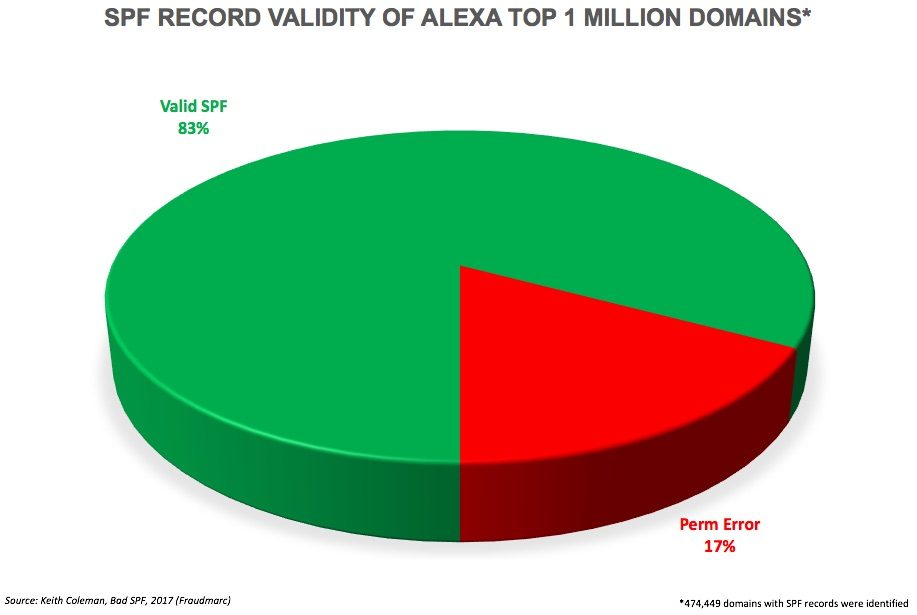
5.       Authentication – If you enable domain keys, DKIM and SPF this will cover you with major ISP’s that use authentication.

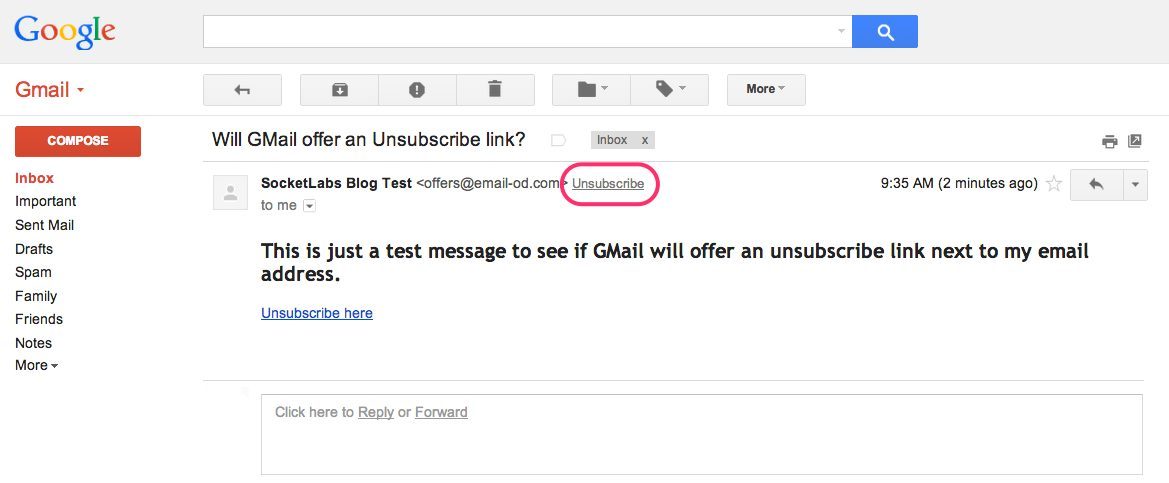
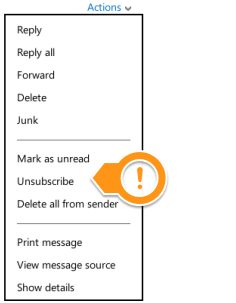
6.       Easy Unsubscribe method –  If the recipient does not know how to unsubscribe or does so and still gets another email message you can guarantee that they are going to hit the SPAM button.

7.       Use Opt-In Addresses only – Ensure that you are only sending mail to users who requested it. It is not advisable to purchase mailing lists or subscribe users by having an opt-in checkbox automatically checked on your website.

This is by no means the end all list of best practices but if you don’t follow the above items at a minimum you are guaranteed to encounter some type of reputation problem.

Enable your Recipients to Determine Email Frequency

Monday, December 22nd, 2008 by John Alessi

Someone recently asked me, “What is the optimum frequency for delivering email messages to a subscribed user base?” This person was trying to determine the proper frequency so that he could minimize the number of people opting out of his communications.

I explained to him that it is not only the frequency, but many other variables as well, such as the content, and even details particular to each subscriber. In fact the answer to the question, would be that the optimum frequency would be the one that is deemed optimal by the recipient.

I get numerous email messages from organizations I know and trust, and with regular content I really want to read. The problem is that I just don’t have the time for all of it, and after a while I find myself unsubscribing, when what I really wanted was to reduce the frequency. Yet I rarely find this option available.

Give your subscribers as much control as possible about the frequency and content of the messages you would like to deliver to them. It may require some more engineering of your subscription management interface, email database and email generation systems, however the the R&D in this area is sure to increase subscriber retention. And that is what it is all about.